
Target devices
Confirm operating systems, offline requirements and distribution. A single high-detail model cannot be assumed to run unchanged on every device.
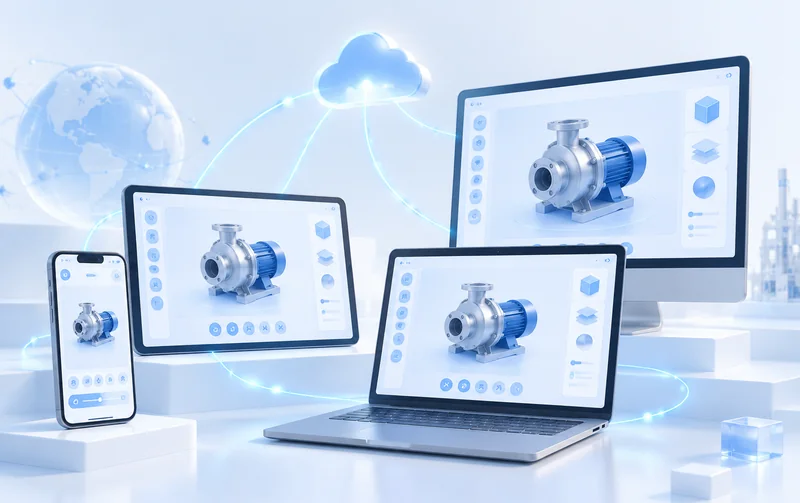
When a browser link is not enough, a dedicated tool can support offline product libraries, step-by-step training or access-controlled business data. The appropriate platform depends on the actual devices, workflows and update requirements.
Review deliverablesReview deliverablesUnreliable exhibition connectivity, a salesperson's offline product library, training records and access-controlled equipment data may require more than a web page. Mini-programs, mobile apps and desktop clients have different rendering limits, distribution methods and update costs.
For link-based product viewing, consider Web3D Project Development first. To combine site content with online inquiries, see Web3D Website Development. Scope standalone software when internal data, complex workflows or offline use are essential.
Confirm operating systems, offline requirements and distribution. A single high-detail model cannot be assumed to run unchanged on every device.
Map products, user roles, records and interface fields. Assess APIs, permissions and test environments before ERP/CRM integration.
Define who publishes model, product-data and app updates, and how a version can be rolled back.

The published web project illustrates hotspots, motion paths and component views useful when discussing training or sales tools. It is not presented as a delivered app or desktop client.
View casePrototype a frequent task such as finding a machine, inspecting its components and saving a training record. Validate the interface, model precision, transfer and offline behavior before expanding. Confirm what can share assets across platforms and what needs separate work.
Acceptance includes permissions, network failures, data sync, updates and exports, not merely opening an installer. The owner of each business interface must join integration testing.
Roles, process, platform limits, screen prototypes and acceptance scenarios.
Models, materials and motion adapted to target devices with performance checks.
Only the contracted mini-program, mobile app or desktop build; not all three by default.
Field documentation, access controls and integration records where usable interfaces exist.
Target-device tests, installation or store-release assistance and version notes.
Agree on source code, model files, account ownership, maintenance and upgrades.
A single-platform display differs from a system spanning mini-programs, apps and desktops. Estimate modeling, interaction, access control, offline sync, device support and API integration separately. Third-party accounts, store review and hosting may add costs. Timing follows confirmed requirements; no fixed cost or launch date is promised here.
Source assets and some logic may be reused, but performance and file formats differ; each platform needs optimization and testing.
Define local retention, identities, conflict resolution and upload rules on reconnection. Offline sync is a separate scope item.
Check available APIs, authorization and test environments first. Without a usable interface, real-time two-way sync cannot be guaranteed.
That depends on reusable assets and whether content management is included. Define routine updates separately from new interaction development.
Describe your current site, product count and 3D interaction needs so we can scope the project together.